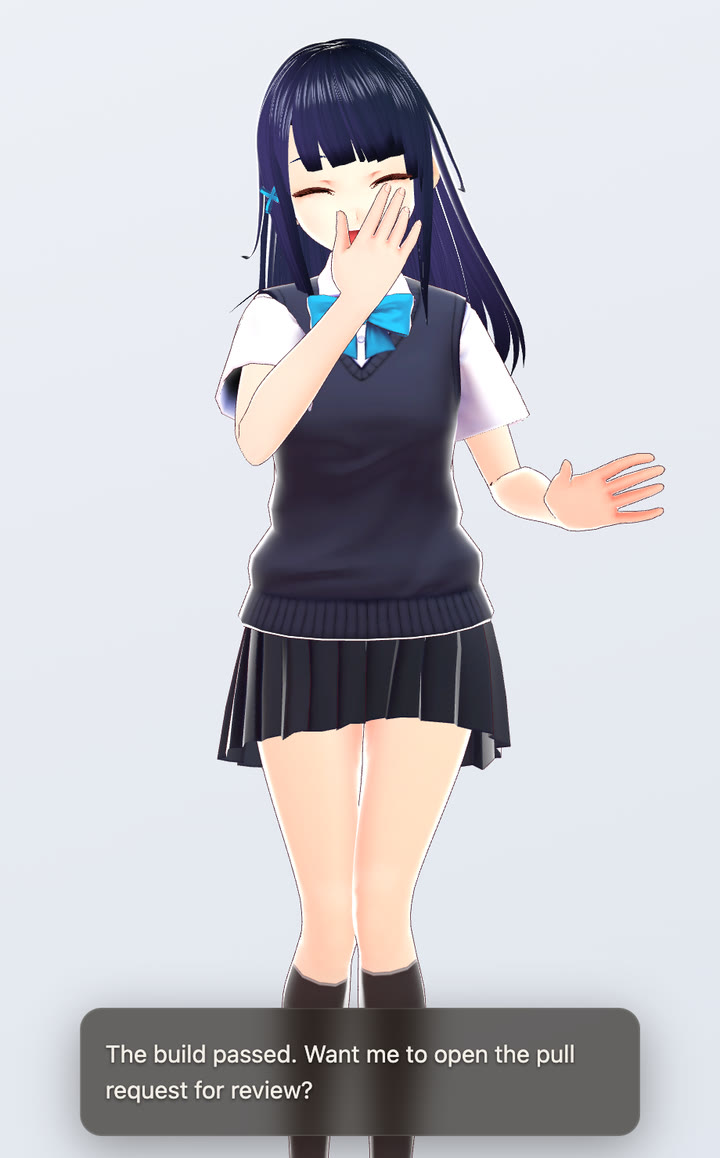
Any backend, embodied
Chat Completions, the Responses API, or a push WebSocket. Emotion, motion, voice tag and caption arrive as generate_express cues beside the reply, so she reacts instead of just answering.
A VRM character who lives on your desktop, watches the cursor, and speaks when the agent you connect has something to say.
flowchart LR
  install["Install"] --> connect["Connect a backend"]
  connect --> talk["Talk to her"]
  talk --> extend["Extend"]
She perches on a window top, peeks around a side edge, strolls the floor, and jumps between windows. Dropped in mid-air, she falls to the first surface below and lands.
Chat Completions, the Responses API, or a push WebSocket. Emotion, motion, voice tag and caption arrive as generate_express cues beside the reply, so she reacts instead of just answering.
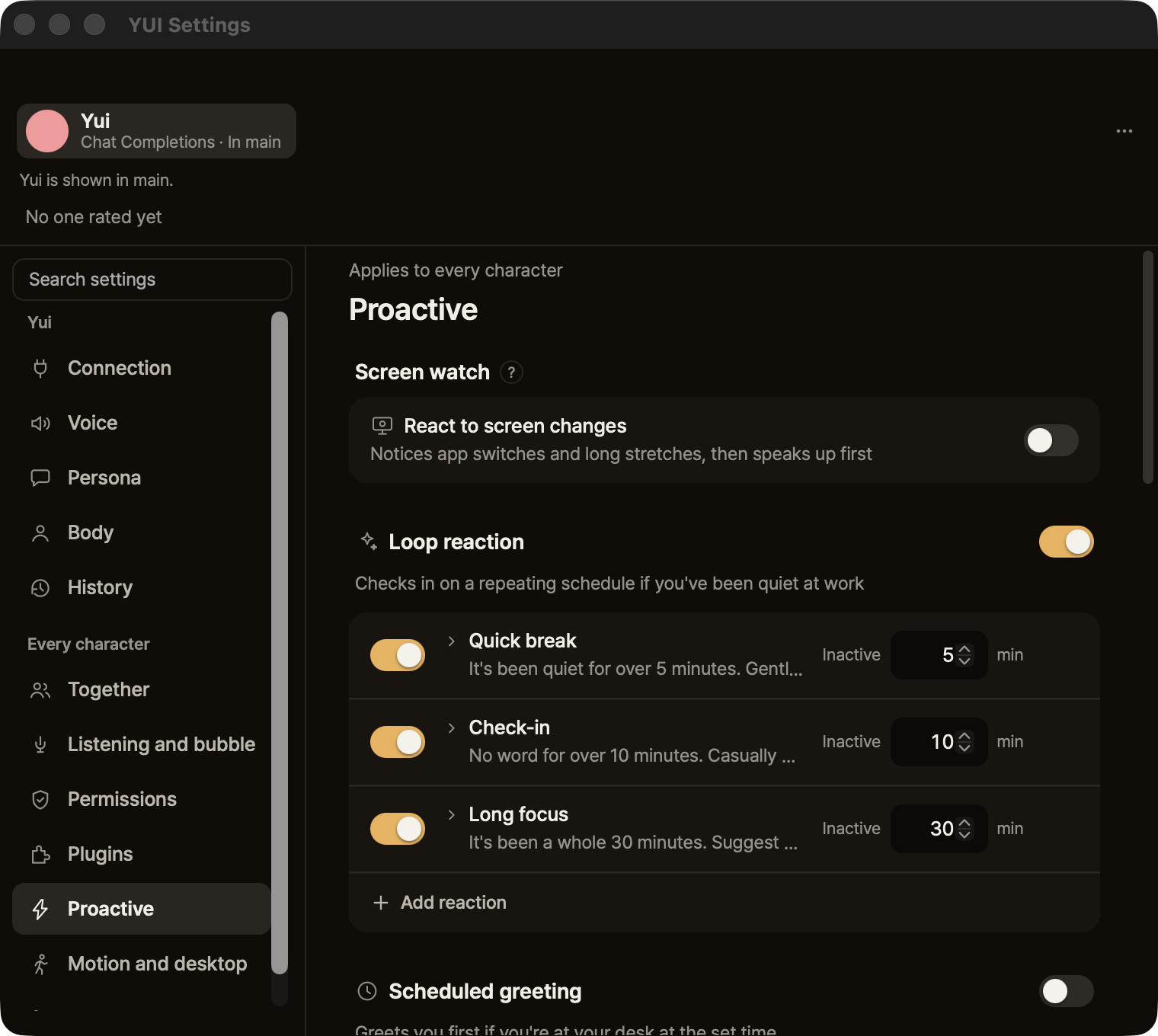
Screen changes, quiet stretches and set times fire cues to the backend. Whether to say anything is the backend's call; YUI only renders what comes back.
YUI ships no model. It renders, senses and fires; judgment and memory belong to the backend you plug in. Who she is comes from the card text you write in the app, or from the persona the agent brings.
The repo ships the one required piece. Add a brain and a voice when you are ready.
Ready to wire her up?
Get started